From negative to photo, a whole roll at a time.
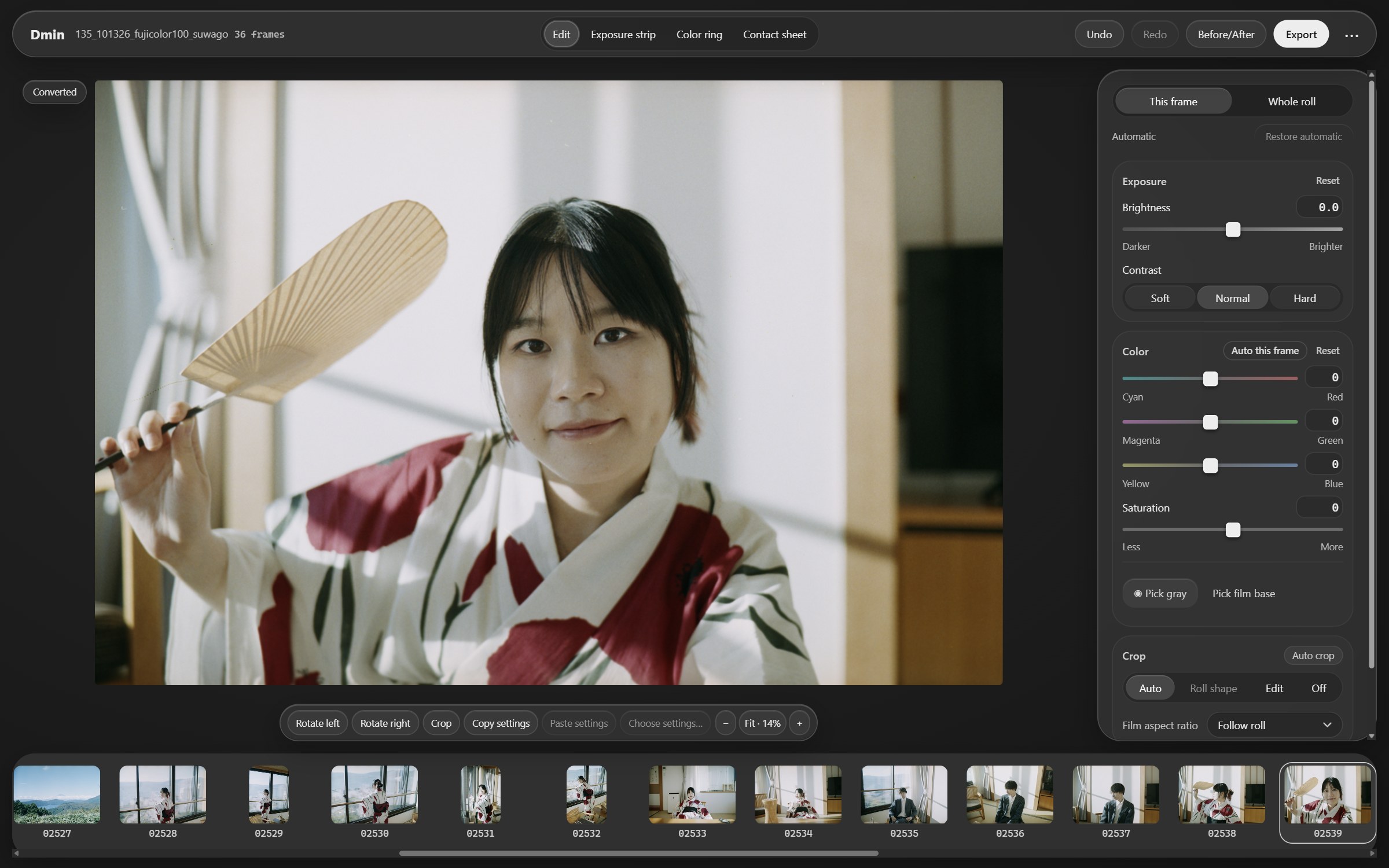
Drop in a roll and it converts itself: mask removal, color, cropping and rotation are automatic, and the color keeps refining in the background.
For Windows and macOS (Apple silicon)
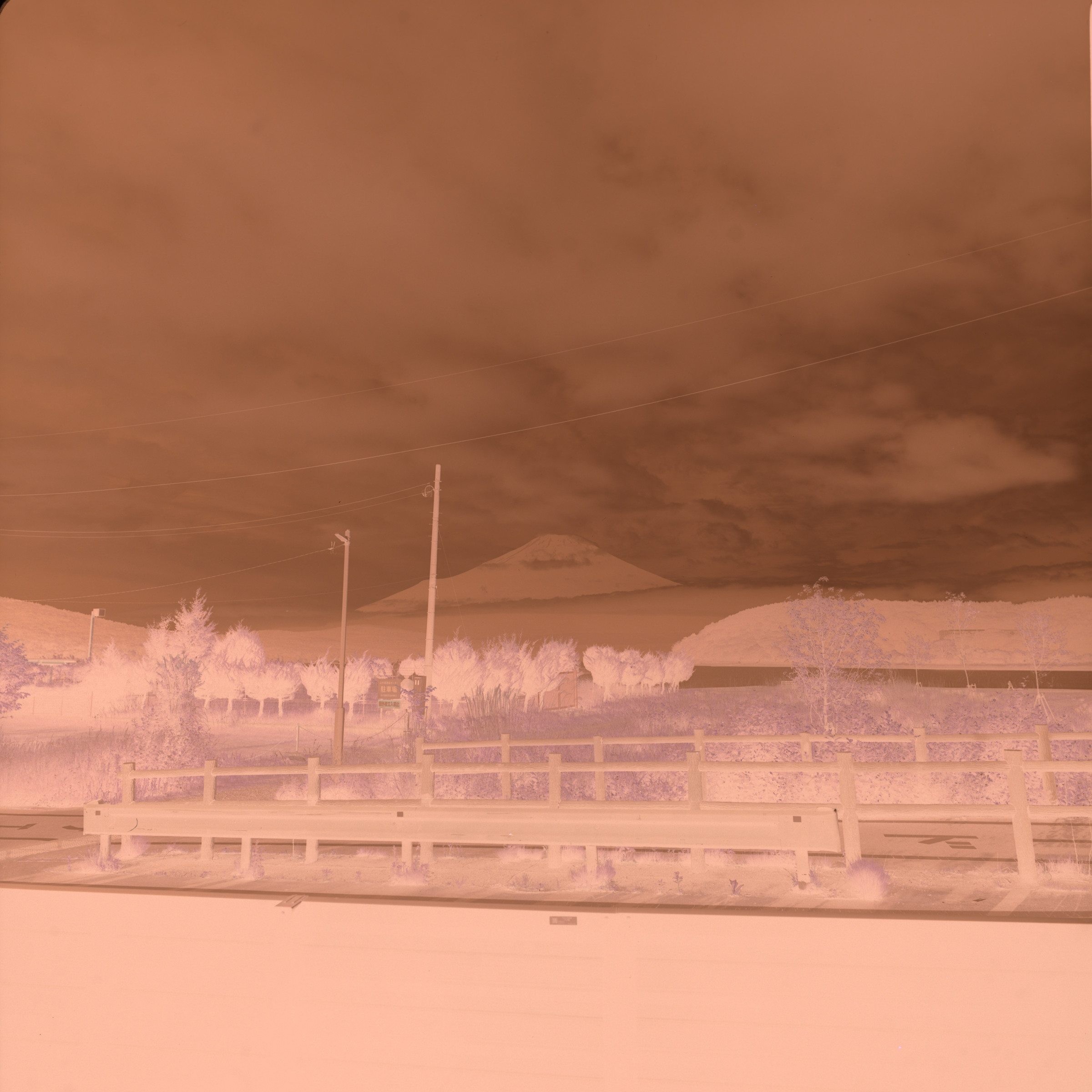

Dmin is a film term: minimum density — the base plus fog, the orange mask a negative has to lose.
Automatic, but you stay in charge
Let it do the tedious work. The important choices are still yours.
A whole roll at once
Import an entire roll in one go and get consistent color across every frame — no more fixing each shot from scratch.
Natural, true-to-life color
It removes the orange mask of color negatives and corrects white balance, so skin, sky and shadows look the way you remember them.
Change anything
Adjust the crop, rotation and color by hand. Went too far? One click brings back the automatic result.
Your photos stay with you
Everything is processed on your computer. Nothing is uploaded, and your original files are never changed.
Three steps
Shoot
Photograph each frame of a roll in RAW with your digital camera.
Open
Drag the roll into the window and it converts automatically; analysis keeps running in the background so the color gets better and better.
Adjust and export
Tweak any frame you like, then click “Export” and pick a format and size.
The whole roll at a glance
See every frame side by side, so the one that needs another look is easy to spot.
Try it free. Buy it when you love it.
The free trial has every feature — exported photos just carry a watermark.
Windows · macOS (Apple silicon)